Scattered enquiries
Questions across inboxes and messages are difficult to see together.
Customer support organisation software · One-time packages · Digital delivery
Customer Enquiry & Support Ticket Software
HelpSignal gives freelancers and small businesses a clearer way to organise customer enquiries, prioritise requests, maintain customer information and follow support-ticket progress.
View Software PackagesExplore Features
Operated by Monika Sahani · Independent UK sole trader
 HS-1048 · High priorityWaiting for customer24 open tickets
The everyday problem
Customer questions can arrive through several channels and quickly become difficult to track. HelpSignal provides a clearer structure for organising support activity.
Questions across inboxes and messages are difficult to see together.
Outstanding actions can disappear inside long conversations.
Without labels, urgent work competes with routine questions.
Previous requests take time to find and understand.
Common answers are rewritten instead of reviewed and reused.
Nobody can quickly see what is new, open, waiting or resolved.
Core benefits
Practical tools are included according to the package selected.
Keep incoming questions in a structured list.
Give each request a clear reference.
Use useful categories for everyday support.
Apply low, normal, high or urgent labels.
Follow each request from new to archived.
Connect customer details to support history.
Keep a dated response trail.
Store private operational context.
Review and reuse common responses.
Find tickets by customer, category or status.
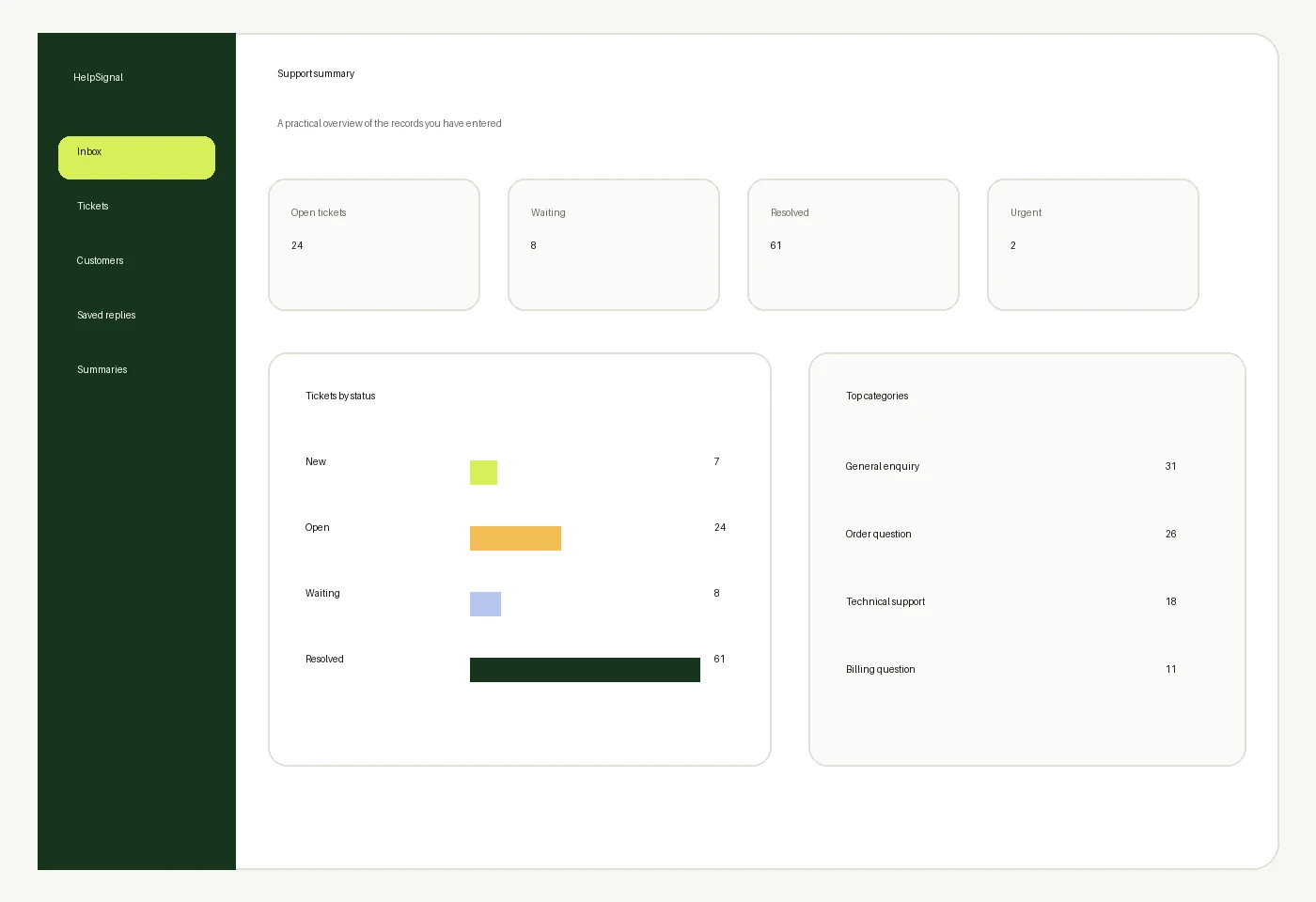
View practical ticket and status totals.
Higher packages provide defined team allowances.
Product preview
Interface previews are illustrative and may vary according to the selected package and delivered software version.
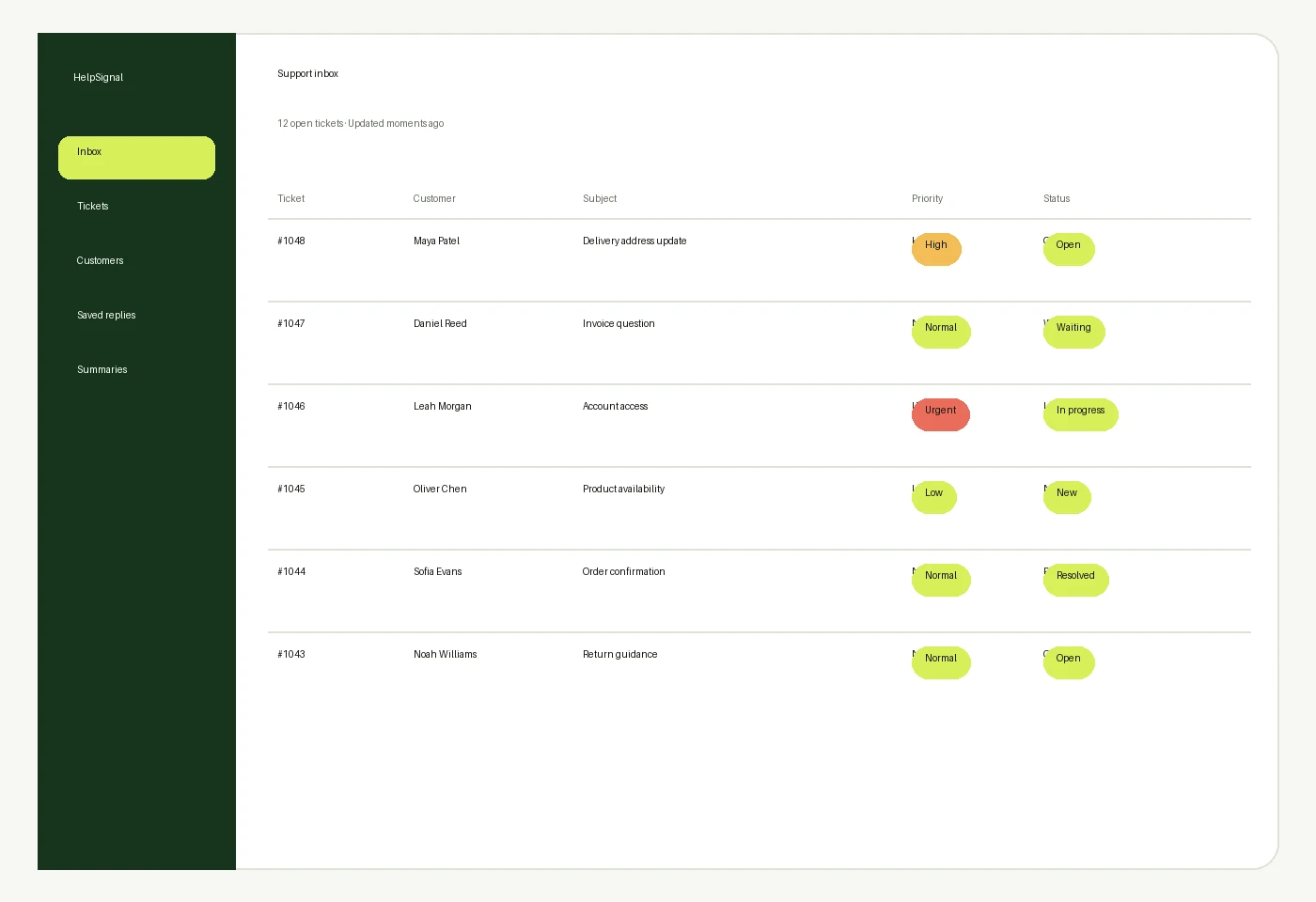
Tickets, customers, subjects, priorities and statuses in one clear list.
Illustrative software preview · fictional demonstration data
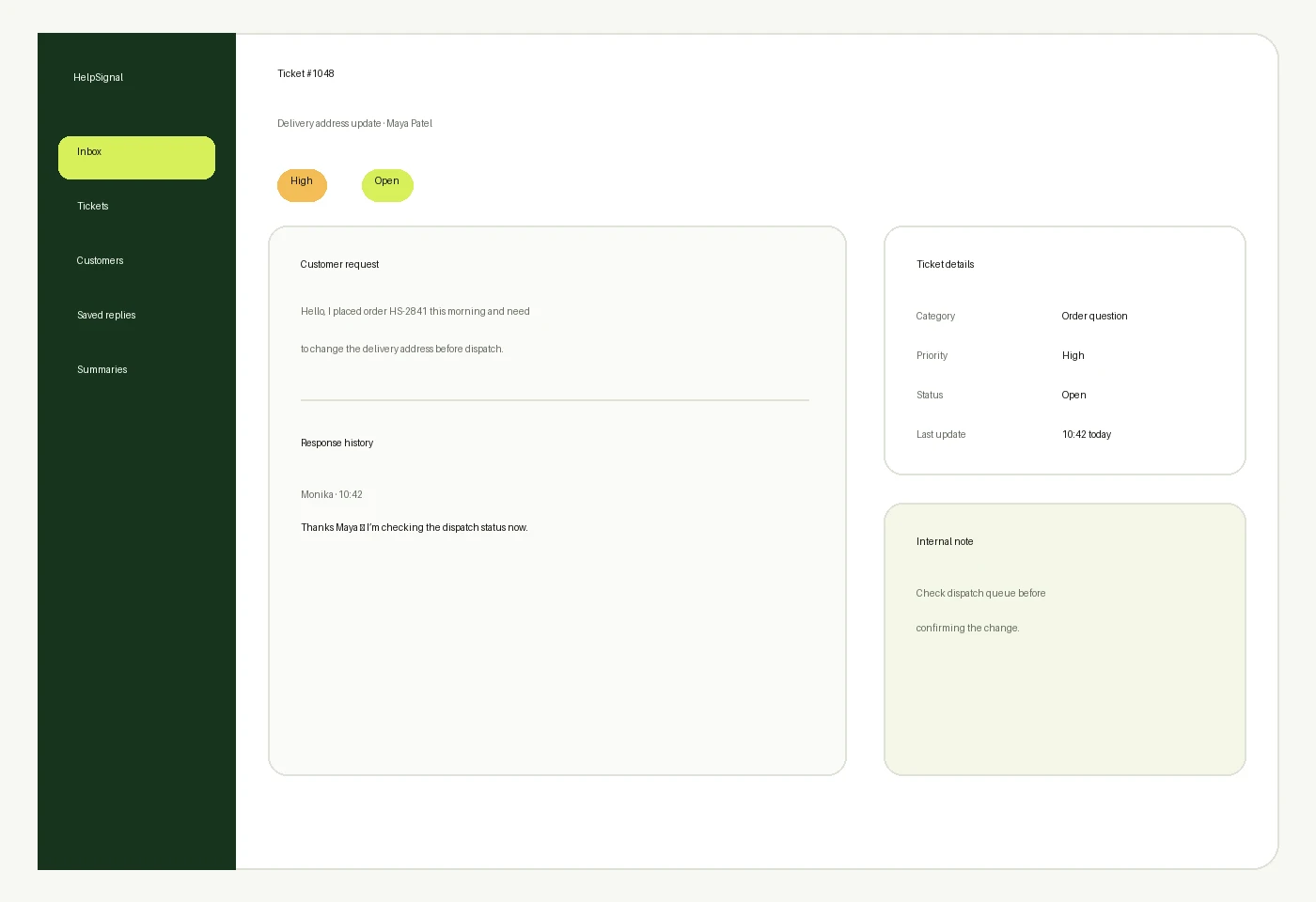
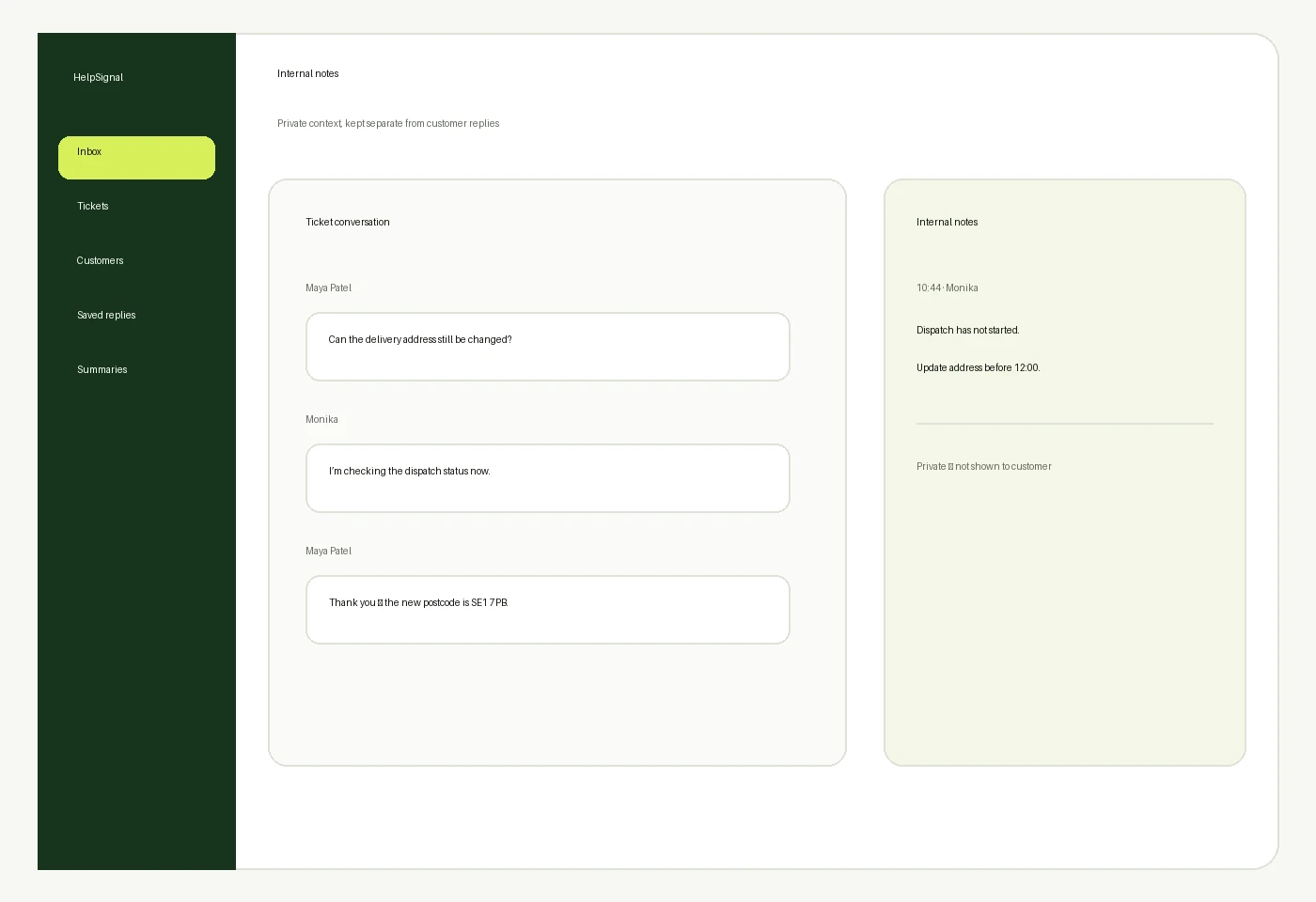
The request, response history, status and internal context together.
Illustrative software preview · fictional demonstration data
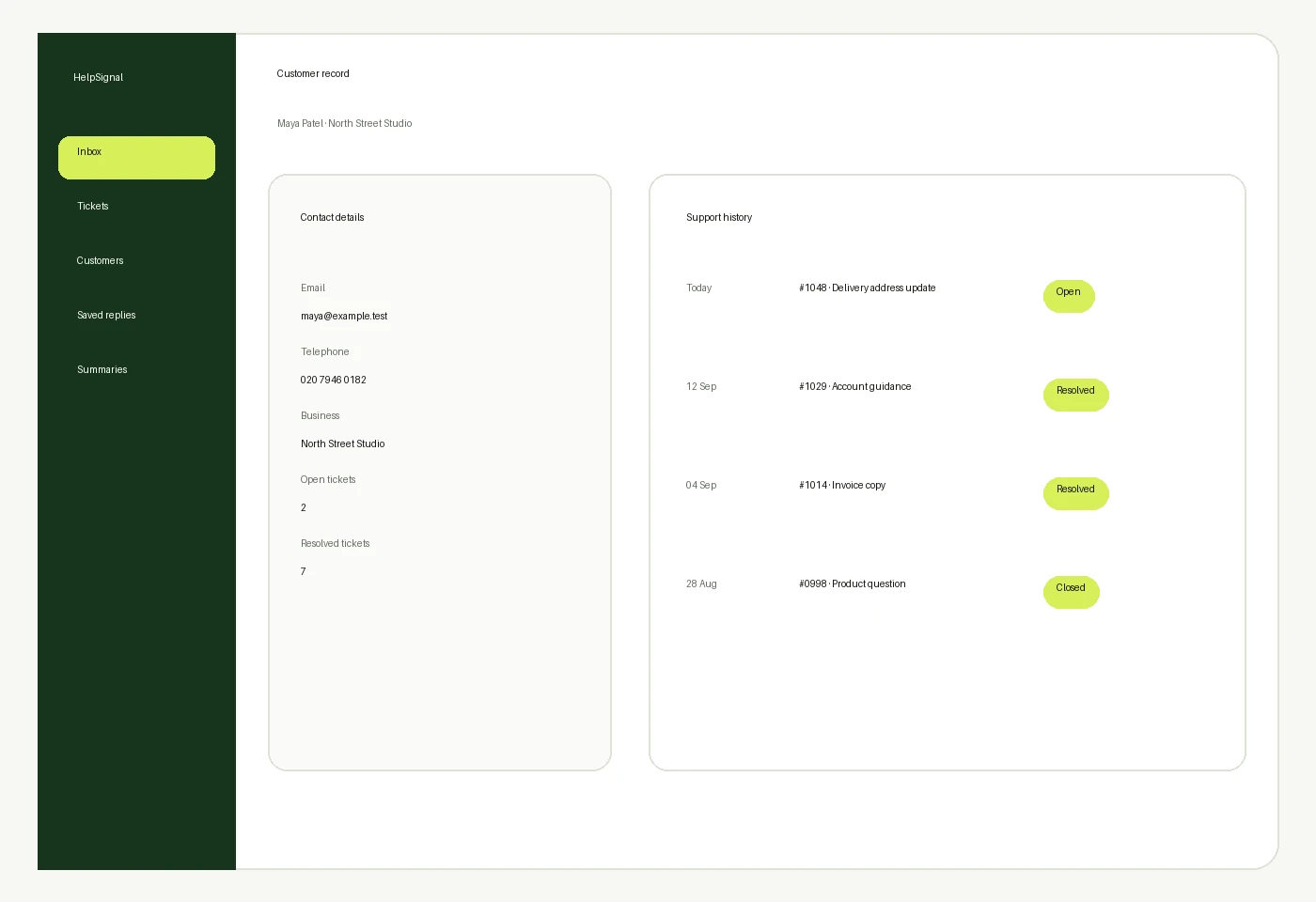
Contact details, previous enquiries, active tickets and support history.
Illustrative software preview · fictional demonstration data
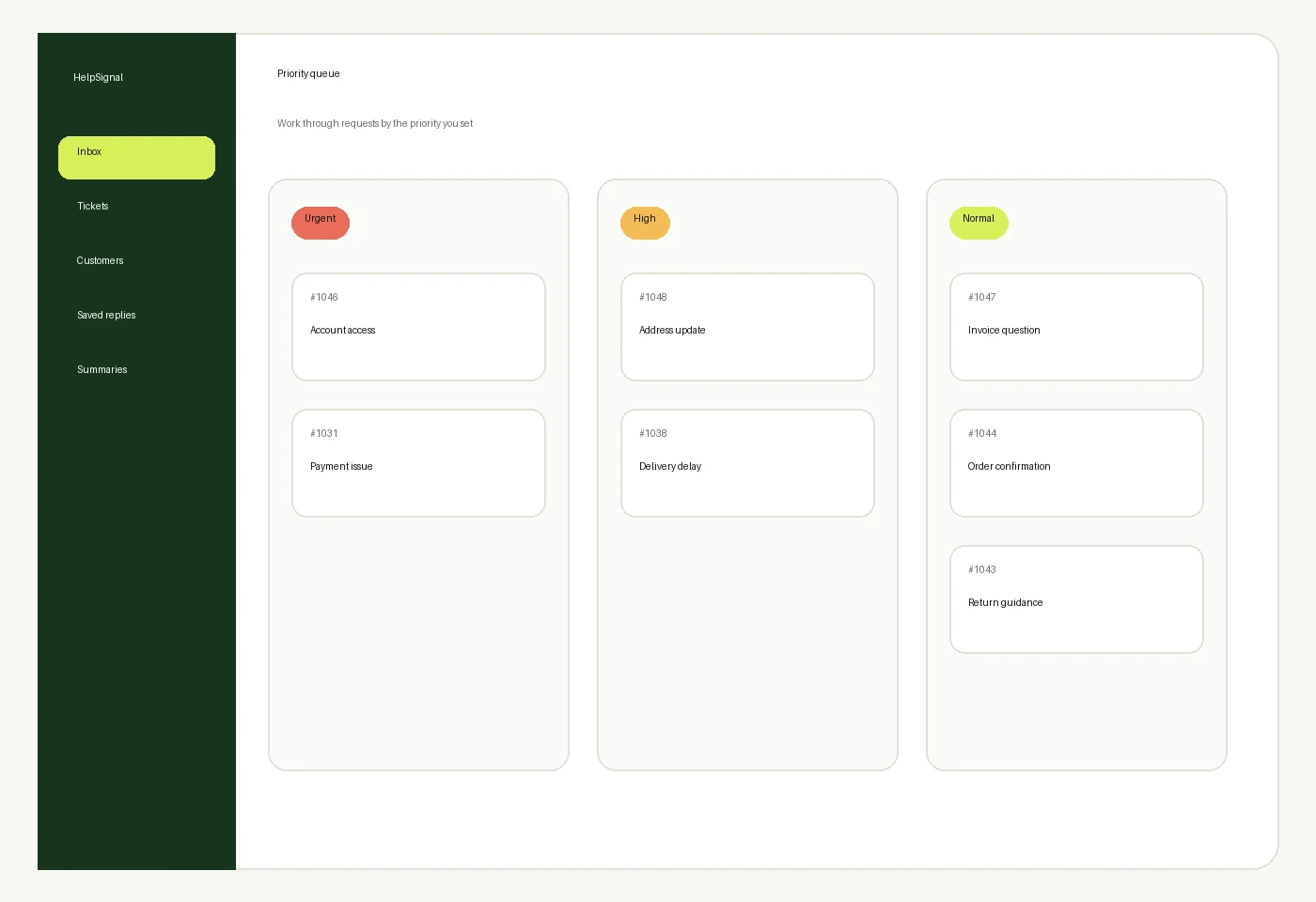
Low, normal, high and urgent requests separated by labels you control.
Illustrative software preview · fictional demonstration data
See the ticket reference, customer, subject, category, priority, status and last update without searching through separate threads.
A ticket detail view connects customer details, the request description, response history, internal notes and follow-up actions.
Priority labels help users organise work. They do not automatically assess urgency: the user chooses the appropriate label.
Status tracking
Each status communicates a practical next step. New has not been reviewed; Open needs action; Waiting for Customer needs a reply; In Progress is being handled; Resolved has an agreed outcome; Closed is complete; Archived is retained for reference.
Store customer name, email, telephone, business details, previous enquiries, active tickets, notes and support history in one organised record.
Prepare responses for common questions, troubleshooting, delivery updates, account guidance and follow-ups. Users remain responsible for reviewing and approving every message before sending it.
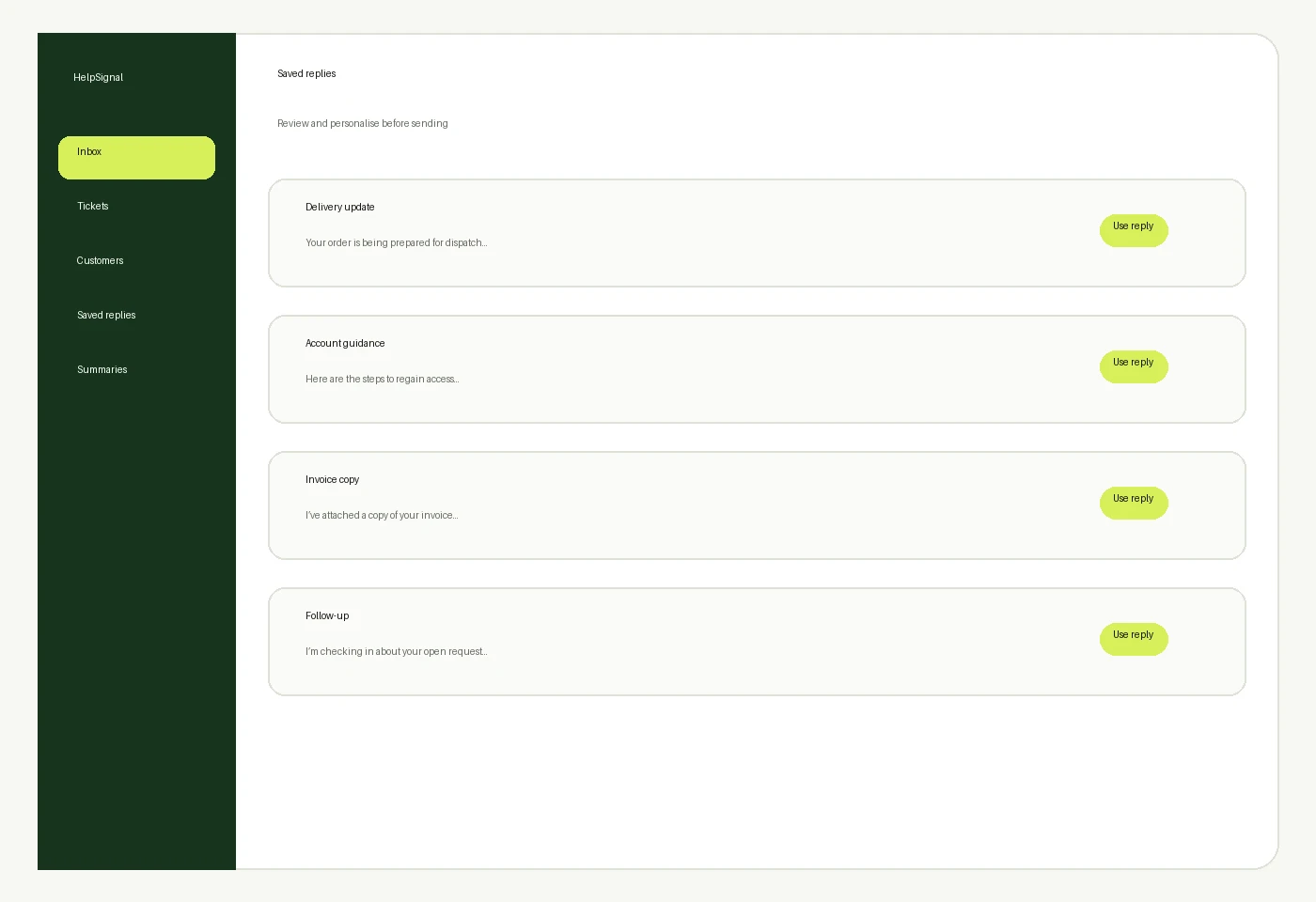
Use private notes for follow-up reminders, background information, escalation context and resolution details where supported.
How it works
A repeatable workflow keeps everyday support activity understandable.
A customer question arrives.
Give it a reference and subject.
Choose the relevant support category.
Apply the urgency you decide.
Keep the reply history clear.
Show the current stage.
Record the next action.
Close completed work and retain its history.
Who it is for
HelpSignal is designed for independent professionals and small teams.
Keep project and customer questions organised.
Connect support questions to earlier communication.
Track participant questions and follow-ups.
Structure common enquiries and next actions.
Keep clearer records of outstanding issues.
Use defined multi-user package options.
Track updates and resolution notes.
Choose capacity for higher ticket volumes.

Pricing
Seven packages are available. Every listed price is a single GBP payment with no automatic renewal.
For individuals
£59 one-time
A straightforward customer-support organisation package for an individual professional who handles a smaller number of enquiries.
One-time payment · No automatic renewal · Secure Stripe payment on this site
Small business
£185 one-time
A structured one-time customer-support package for small businesses managing a broader range of customers and support requests.
One-time payment · No automatic renewal · Secure Stripe payment on this site
Complete package
£650 one-time
A comprehensive one-time customer-support software package for established small businesses requiring larger capacity, advanced support configuration and structured onboarding.
One-time payment · No automatic renewal · Secure Stripe payment on this site
Why HelpSignal
Choose and pay for a defined software package once.
Users, tickets and customer-record capacity are stated clearly.
No listed package renews monthly or annually.
Keep enquiry information in a consistent format.
See the support stage without opening every ticket.
Selected packages include defined multi-user allowances.
Receive access and setup information after confirmation.
HelpSignal is independently owned and operated by Monika Sahani as a sole trader in the United Kingdom.
Payment reassurance
HelpSignal packages are purchased through one-time payments. The listed packages do not automatically renew monthly or annually.
A single GBP price for the selected package.
No recurring monthly or annual charge.
Know the users, tickets and records included.
Access or setup information follows confirmation.
Payment details are handled by Stripe.
Contact HelpSignal about access or setup.
After purchase
The confirmation page verifies the successful Stripe payment.
The selected package and checkout details are checked.
Digital access or setup information is sent by email.
Included setup guidance starts according to the package.
The stated support level becomes available.
Work beyond the package can be quoted separately.
Support summaries show ticket totals, status counts, priorities and categories based on the records entered. They do not make predictions or guarantee outcomes.
Compare HelpSignal packages and choose the level that matches your support volume, customer records and user requirements.